


Introduction
what is a sidebar in text features is the exact question a lot of students, teachers, and casual readers type into search bars when they spot that little boxed bit next to an article. Honestly, it looks simple, but sidebars do a weird amount of heavy lifting in print and digital layouts. They can be playful, serious, clarifying, or click-bait-y, depending on the vibe of the publication.
Okay so I want to explain this in a way that actually helps you remember it, not with textbook dryness. I write about words and formats for a living, and sidebars are one of those sneaky features that teach you more than you think. Plus, you get to look like you know design lingo at brunch.
Table of Contents
What Is a Sidebar in Text Features? (what is a sidebar in text features)
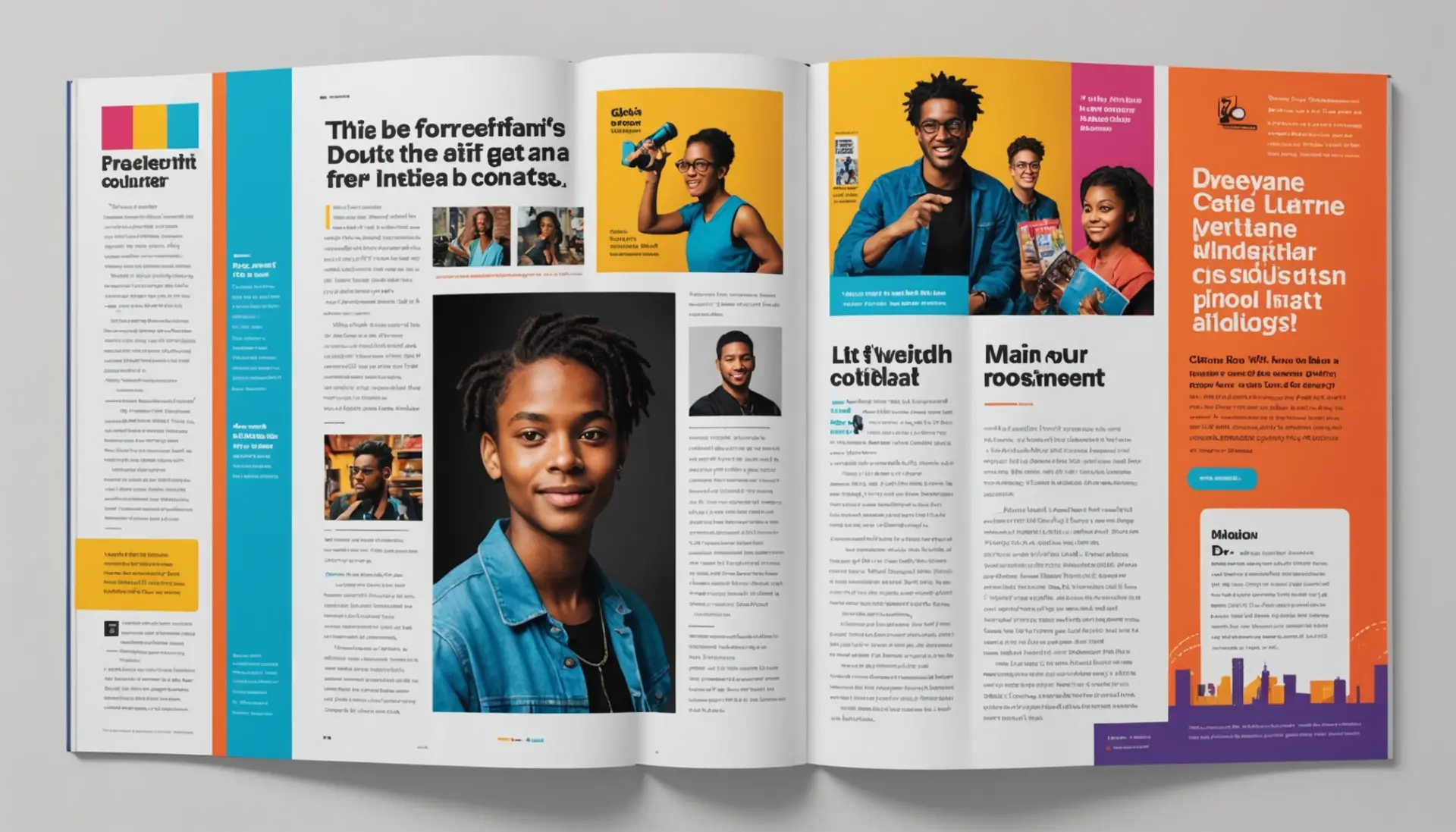
The short answer to what is a sidebar in text features is this: a sidebar is a boxed or separated chunk of text that appears alongside the main body, offering extra info, context, or a quick visual break. Think of it as the article whispering something to you on the side. It does not replace the main argument, it complements it.
In magazines, newspapers, and websites, sidebars can carry statistics, short bios, timelines, or fast facts. They are a text feature because they help readers navigate and understand content faster, and they are designed to stand out without stealing the show.
Why Use a Sidebar in Text Features? (why use a sidebar in text features)
People use sidebars because attention is short and context helps. When you skim an article, that boxed pull-out will often give you the gist, or highlight an interesting angle that the main text expands on. It’s like a trailer for a movie, but for info.
Editors also love sidebars because they let you add value without disrupting the flow. Want to include related stats, an author note, or a quick glossary? Sidebar. Need to add a quick aside without cluttering the main narrative? Sidebar. They’re practical and honestly satisfying to design.
Types and Where You See Them
There are a few common types of sidebars you will notice across formats. You have fact boxes, timelines, profiles, how-to steps, or even opinion asides. Each one signals a slightly different purpose, but visually they tend to be similar: separate, concise, and scannable.
In textbooks and middle school reading packets, sidebars often explain key vocabulary or historical context. In digital news and blogs, you might get embedded tweets, quick links, or related pieces. Scholarly journals may use sidebars for methodology notes or disclaimers.
How to Create an Effective Sidebar
Making a strong sidebar is not just about drawing a box. Good sidebars respect hierarchy, brevity, and visual contrast. Use a short headline, two to five short paragraphs or bullet-like lines, and include a visual or pull quote if space allows.
If you are designing for web, remember mobile. Sidebars often stack under main content on phones, so plan the order. Decide whether the sidebar content should appear before or after the article text on small screens, based on importance.
Examples and Real Usage
Real talk, seeing examples cements this stuff. Below are conversational and publication examples that show exactly how people use the phrase and the function.
Casual chat: “hey, what’s that little box next to this review?” “Oh, that’s a sidebar. It’s like the TL;DR or a fun fact about the band.”
Friend 1: “Should I read the whole long piece?”
Friend 2: “Skim the sidebar, it’s got the timeline and key points.”
Teacher to class: “Identify the sidebar and explain how it supports the main idea.” This is a super common classroom prompt because sidebars are classic text features used to teach reading strategies.
Magazine example: In a profile of Kendrick Lamar, a sidebar might show his discography or key dates, while the main piece explores themes in his lyrics. In that case the sidebar enriches reader knowledge without bogging down the narrative.
Online news example: A story about climate change might include a sidebar listing actionable tips for readers, or a small interactive chart showing temperature trends. That little box is the first thing many readers glance at, ngl.
Classroom and Study Tips
If you are a student and you need to teach or annotate text features, start by labeling everything. Circle the sidebar, underline its headline, and write a one-sentence summary in the margin. Teachers love this because it shows comprehension in action.
For study notes, convert sidebars into flashcards. If a textbook sidebar gives a definition or timeline, turn that into a Q and A. It makes review faster and helps the sidebar live beyond the page.
And if you are making a presentation? Turn the sidebar into a slide with one key takeaway. It keeps your audience focused and makes your talk feel organized.
Conclusion
So yeah, what is a sidebar in text features? It is a small but mighty design element that clarifies, highlights, and sometimes entertains next to the main text. It helps readers skim intelligently, and it gives creators room to add context without wrecking flow.
Next time you see a boxed snippet next to an article, give it a glance. It might save you ten minutes of scrolling or give you the perfect quotable fact. Want to nerd out more about reading features and helpful terms? Check out general entries on text features for deeper context and style notes.
Further reading: check Wikipedia on sidebars for publishing history, and Merriam-Webster for a quick definition and usage notes. For classroom resources about text features, the ReadWriteThink site has lesson ideas.
External references: Sidebar (publishing) on Wikipedia, Merriam-Webster: sidebar. Internal further reading: text features, format features.